
Unified KM pet management software
Kennel management software for pet stores and the people behind the care.
Bring pet records, daily care, documents and team workflows together with Unified KM, kennel management software for pet stores that also fits veterinary teams, shelters and breeding programs.
Animals pass through many hands. Their record should not fall apart between them.
Who it is for
Four kinds of teams. One shared need: records that hold up.
Choose your organization
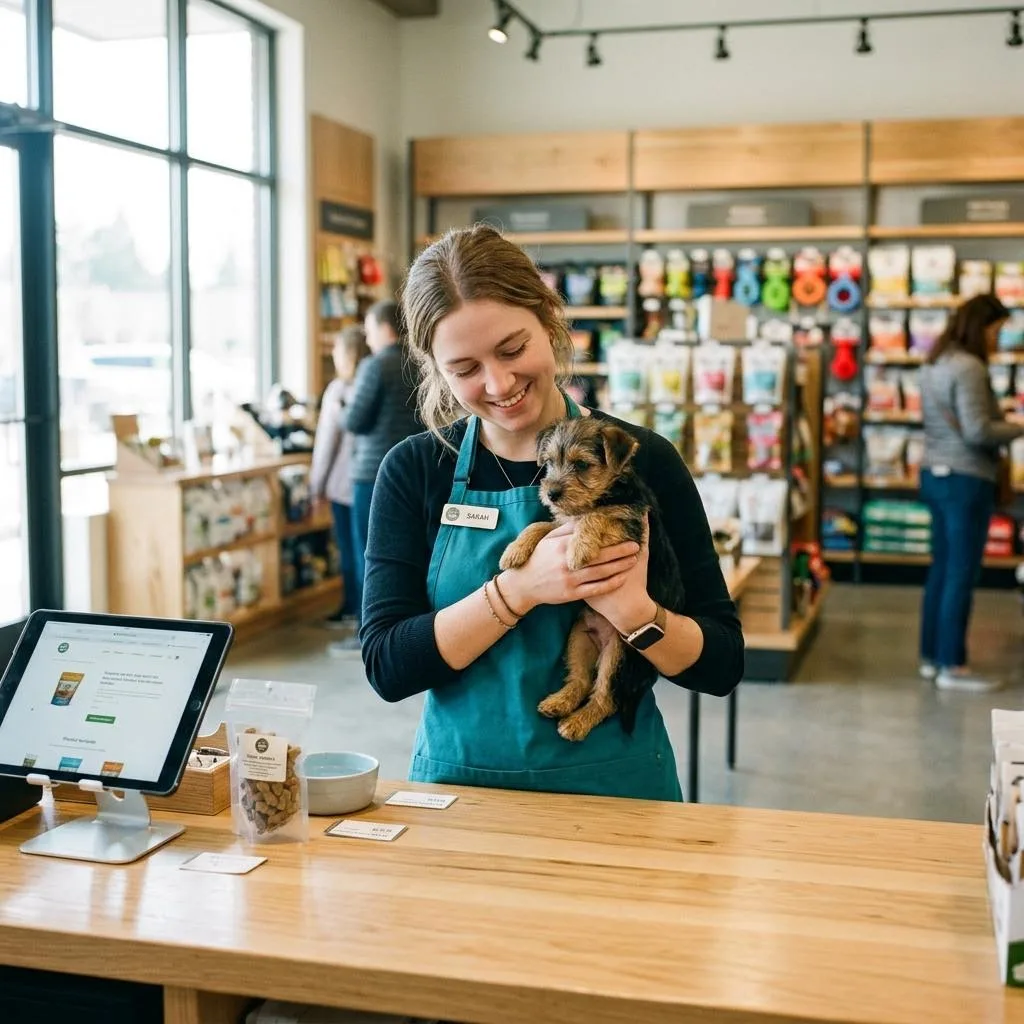
Retail pet stores
Animal records, daily care, paperwork and the customer handoff, kept together for every shift and every store.
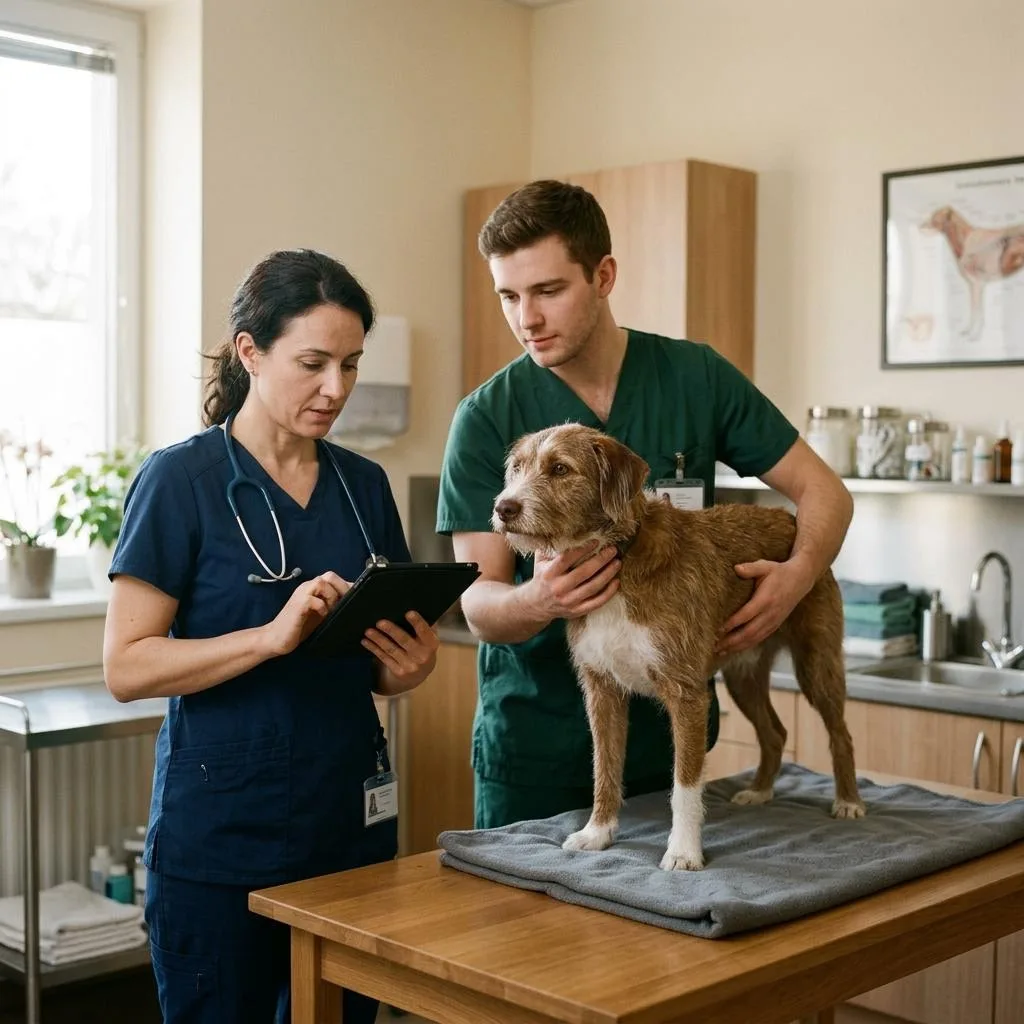
See UKM for Pet StoresVeterinary teams
Care documentation and coordinated record access with the pet organizations you serve. Your clinical tools stay in place.
Explore Veterinary Workflows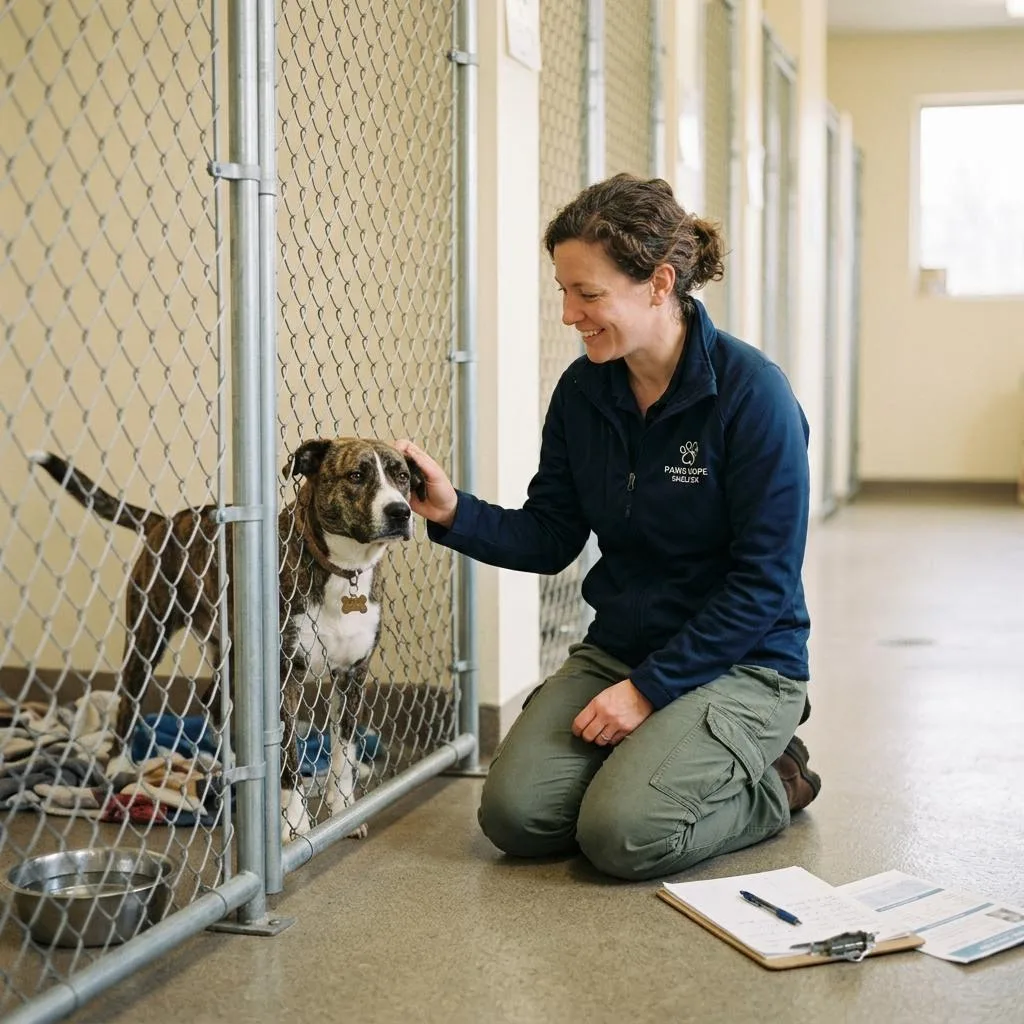
Shelters and rescues
Care records and daily tasks that stay understandable across shifts, staff and handoffs.
See UKM for Shelters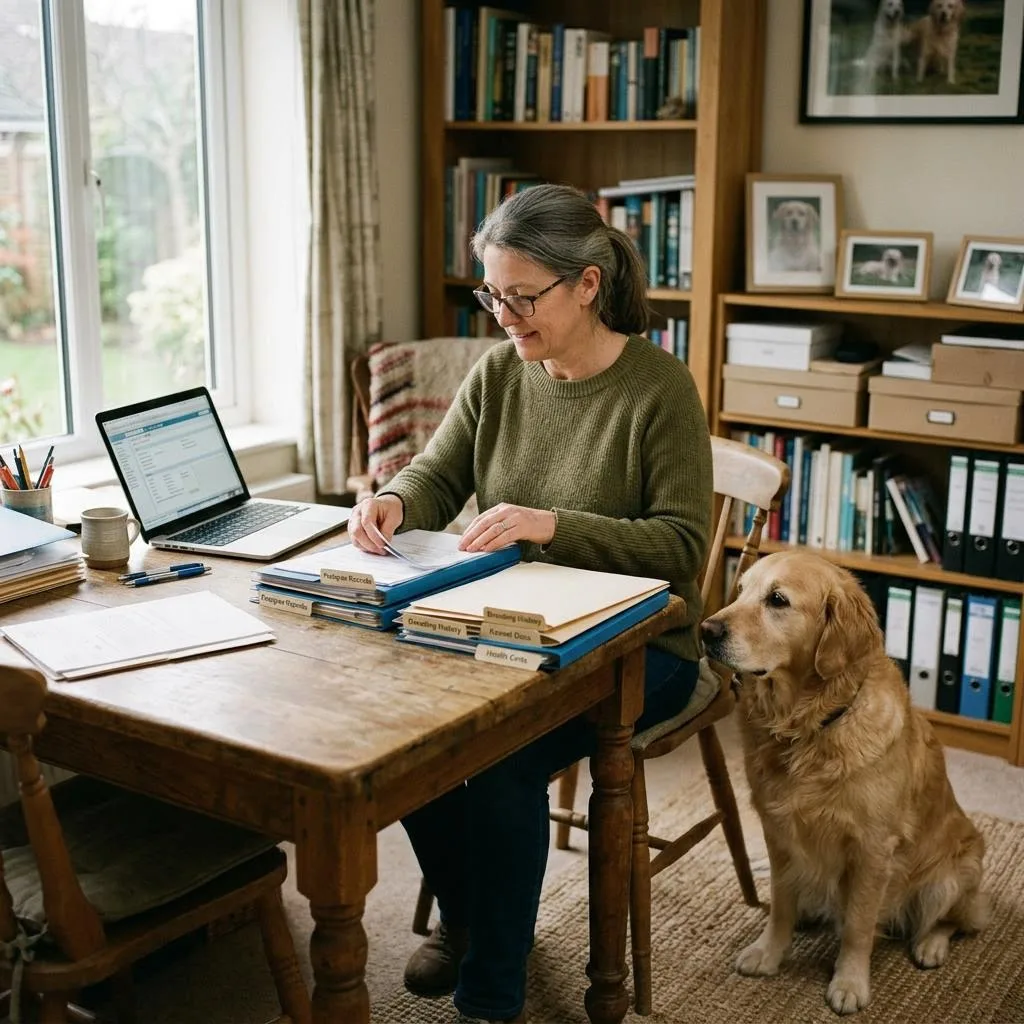
Breeders
Ancestry, registrations, care history and owner paperwork kept with each animal over time.
Explore Breeder WorkflowsThe working day
Most record problems are handoff problems.
An animal is fed by one person, treated by another and handed to a customer by a third. When each keeps notes in a different place, information gets lost between them.
Scattered
- 01Feeding notes on a whiteboard
- 02Vaccination dates in a spreadsheet
- 03Signed paperwork in a filing drawer
- 04Shift notes passed on by memory
Together in UKM
- 01Daily records on the animal’s record
- 02Care history in the same place
- 03Documents and signatures stored with the record
- 04Tasks and reminders the next shift can see
Platform walkthrough
Four things UKM keeps organized.
Screens below are illustrative previews with fictional data, drawn to explain each workflow. They are not screenshots of the current interface.
Every animal has one record that people trust.
Details, breed information, ancestry, registrations and history live on the pet record. Staff stop asking each other where something is written.
- Pet records with breed and registration details
- History of care, documents and changes
- Bulk tools when many animals need updating
The day is written down, so the handoff is easy.
Daily records, bulk feeding, shared checklists and reminders keep everyone working from the same list across shifts.
- Daily records and bulk feeding
- Checklists, tasks and automated reminders
- Mobile access for people on the floor
Paperwork stays with the animal it describes.
Customizable forms and templates, document storage and digital signing keep the papers for each animal and customer in one place.
- Forms and templates built around your paperwork
- Digital signatures where your workflow supports them
- Bulk printing for busy days
Owners see the work without making phone calls.
Reports, dashboards and multi-location support help owners and managers understand what is happening across a team or several sites.
- Reports and performance dashboards
- Analytics you can review over time
- Support for more than one location
In practice
What a day could look like for your team.
Saturday at a busy pet store
- Morning staff log feeding for every puppy room in one bulk update.
- A customer asks about a kitten’s vaccinations; the record answers it.
- Sale paperwork is prepared from a template and signed digitally.
- The owner reviews the day across both stores from the dashboard.
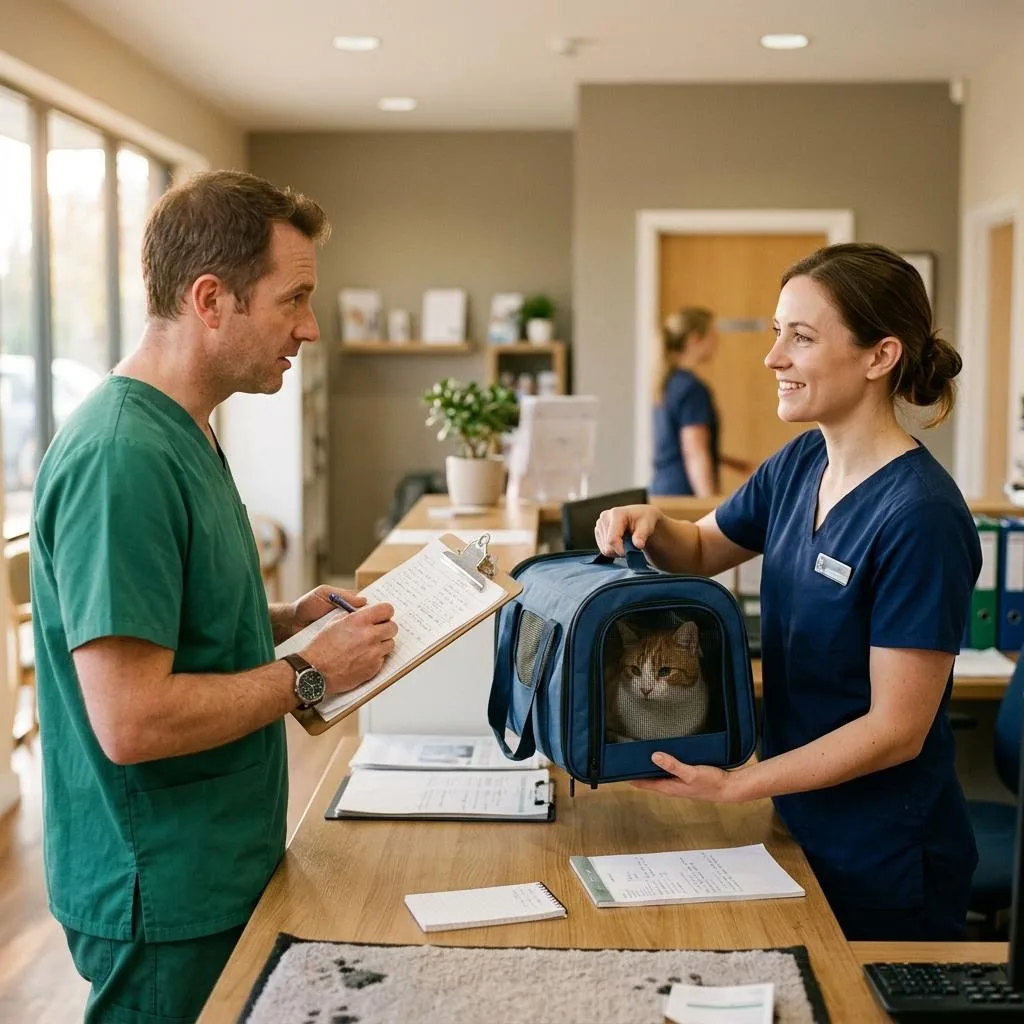
A partner visit
- The store flags animals due for a visit.
- The veterinary team reviews each record by role.
- Vaccinations and treatments are recorded on the animal.
- Signed documents stay with the record for the handoff.
A shift handoff
- Morning staff record care against each animal.
- A concern is noted and a follow up task created.
- The evening team sees the task and the history.
- Documents stay with the animal at adoption.
Preparing a new owner packet
- Ancestry and registration details are confirmed on the record.
- Care history is reviewed for accuracy.
- Owner documents are generated from templates.
- Signed copies are stored with the animal.
Product proof
We would rather show you than tell you.
You will not find customer counts, ratings or testimonials on this site yet. We are collecting approved customer stories. Until then, the honest proof is a demonstration built around your own workflow.
- Bring a real form or record you use today.
- We walk through how it would live in UKM.
- We point out anything UKM does not do.
Getting started
A plain path from first conversation to setup.
- Discuss your needs.
Tell us about your organization, locations and current tools. - Review fit.
See the workflows that match, and hear honestly where they do not. - Plan setup.
Agree on records, roles and onboarding. Scope and fees are confirmed in writing.
Resources
From the Unified KM archive.
Original publication dates are preserved. Older articles are historical.
All resourcesWho is Unified KM for?
UKM is pet management software for organizations that keep animal records and coordinate daily care. Retail pet stores are our longest standing focus. We also talk with veterinary teams, shelters and rescues, and breeders about how UKM could support their record and coordination work.
We already use other software. Does UKM replace it?
Not necessarily. Many teams use UKM alongside tools for point of sale, accounting or clinical work. Bring a list of what you use today to a demo and we will talk honestly about where UKM fits and where another system is still the right tool.
See this answer in the FAQ: We already use other software. Does UKM replace it?
How do people access UKM?
UKM is a cloud based platform used through a web browser, and mobile access has been part of the product for years. We will confirm current device details for your team during a demo.
What does setup involve?
Setup depends on your workflows, locations and existing records. We plan it with you after reviewing fit. We do not quote timeframes or import services until we understand your situation.
How much does UKM cost?
We do not publish current pricing. Scope depends on your organization type, locations and workflows, so we discuss it directly. Older blog posts mention historical pricing that should not be read as a current offer.
What happens in a demo?
We ask about your daily work, show the parts of UKM that match it, and point out any gaps plainly. You can bring your current forms and questions.
Next step
See how UKM could fit your organization.
Tell us about your daily work. We will show the parts of UKM that match it and be clear about anything that does not.